World View
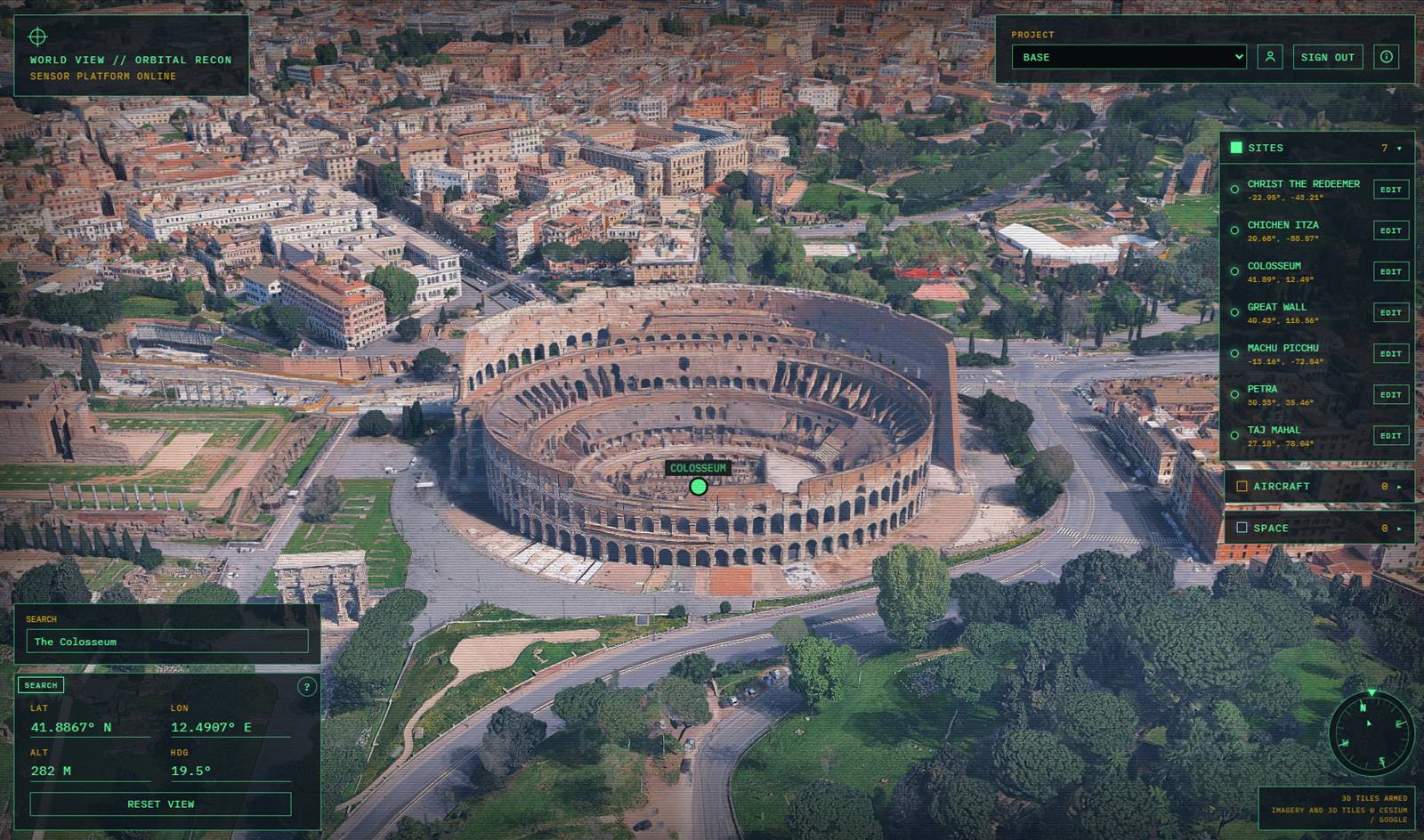
World View is a Twinit application template for a signed-in, fullscreen globe of Earth. Operators fly with the mouse, compass, and coordinate fields, search for a city or address, and save sites by marking a location on the globe. Aircraft shows airborne tracks in the current view, with callsign, flight level, and speed. Space shows stations such as the ISS, and selecting one follows it. Personnel adds people who already have a Twinit account to the World View Users group. With a Cesium ion token set, dropping the camera below about 50 km brings up photorealistic 3D tiles. Sites start empty; people save their own locations. The project chosen in the HUD is the workspace those sites, aircraft, and the space catalog come from.
The template ships a Vite + React client—a HUD on a Cesium globe—and a deployable template package (World View 1.10.0, the template-package folder). Deploy it with Deploy Template to Project in the Twinit IDE Extension. The package creates the World View API, the Sites and Space Catalog collections, the World View Users group, and the space-catalog workflow.
That package is the base. It is already a working application: globe, sites, aircraft, space, and personnel. The same project can take more. Each extra template adds one workflow, only on the projects where you install it, and the globe you already deployed stays in place. Start with the base. Add features as the work shows up—including features you write yourself.
Feature Extensions
A feature extension is a second template you deploy onto a project that already has World View. The base stays a complete globe. The extension adds one slice: its own collection, rows in a collection the base already created, or a route on the World View API. One project, one API, as many features as you choose to turn on. If an extension was never installed, the client hides those controls. Sites, aircraft, and space keep working.
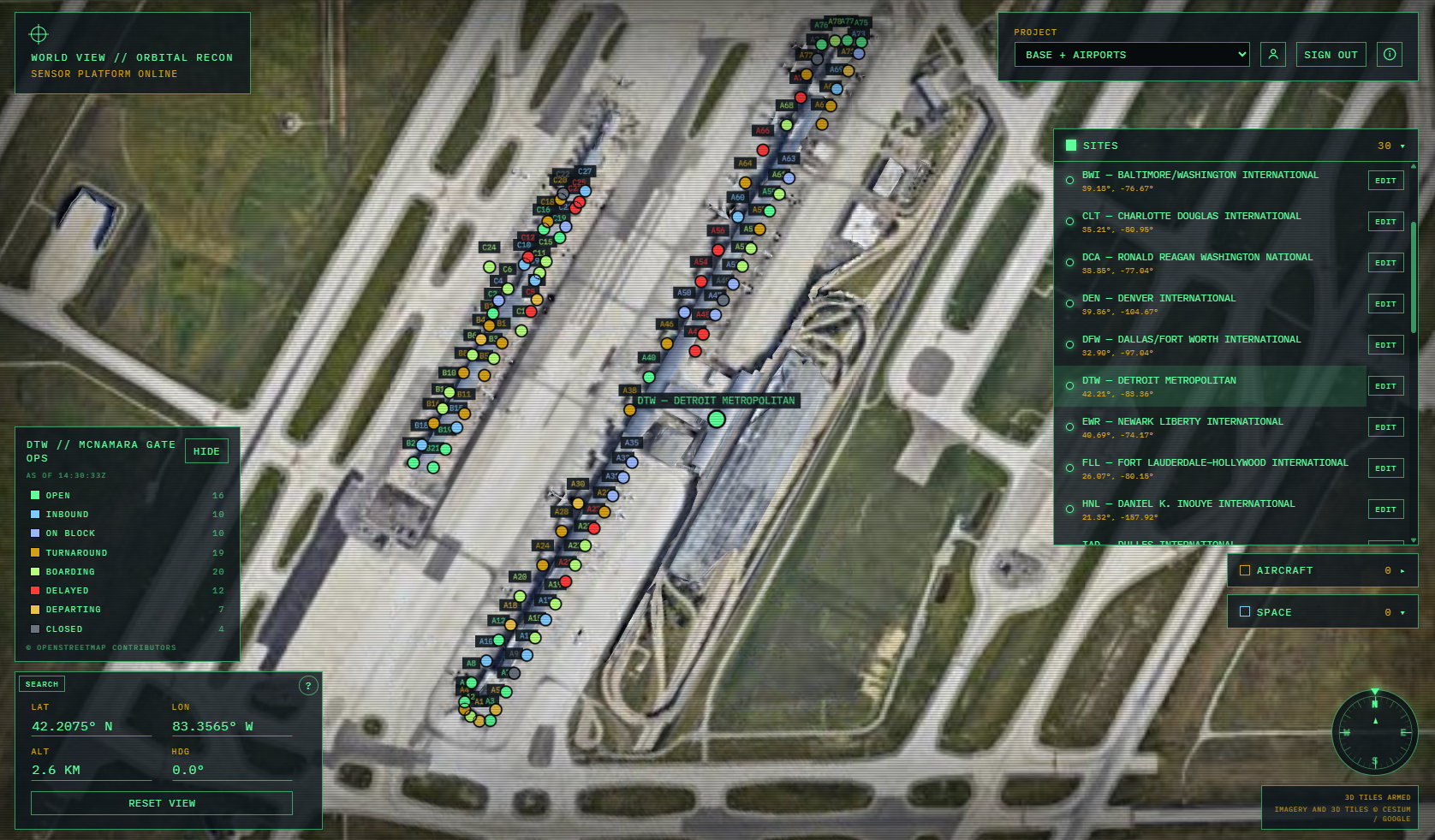
sample-airports is the extension shipped with the repository. Install it when that project also needs 30 US large-hub airports, a Gates collection, DTW McNamara gate operations, and gate MCP tools. The same pattern is how the next workflow lands: one package, one feature, on the projects that need it. The repository includes a checklist for adding another extension.
Note: World View requires a valid Twinit account and the ability to run or host a React web client. A Cesium ion token is required for search and photorealistic 3D tiles. Completing the Self-Led Developer training, including the React UI courses, on Twinit Academy is recommended before you implement this template.
Learn more about the World View Template on GitHub